

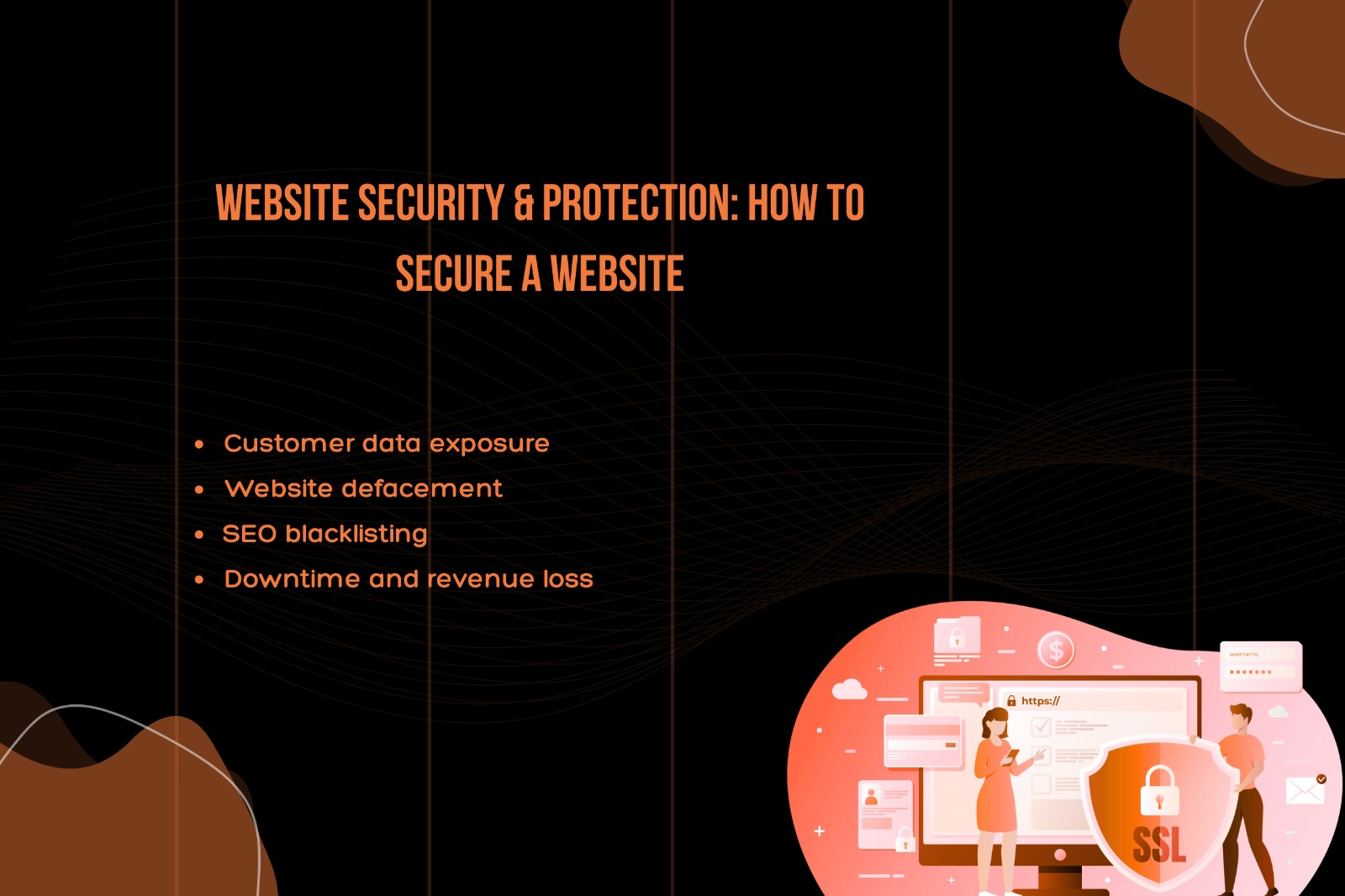
In today’s digital world, a website is more than just an online presence—it’s a gateway to your business, customers, and data. With cyber threats increasing every day, website security is no longer optional. Even small websites are frequent targets of hackers, malware, and data breaches.
In this blog, we’ll explain why website security matters, the risks of an unsecured website, and practical steps you can take to protect your website.
“Design is the fundamental soul of a human-made creation that ends up expressing itself in successive outer layers of the product or service.”
-Steve Jobs-

Why Website Security Is Important
A secure website helps protect:
- Sensitive customer information
- Business data and intellectual property
- Your brand’s reputation
- Search engine rankings
- Revenue and customer trust
A single security breach can cause long-term damage that is difficult and expensive to recover from.
Risks of an Unsecured Website
If your website is not properly secured, you may face:
Customer Data Exposure
Hackers can steal personal details such as names, emails, phone numbers, and payment information, leading to loss of customer trust and legal issues.
Website Defacement
Attackers may alter your website content, display unwanted messages, or inject malicious links—damaging your brand image instantly.
SEO Blacklisting
Search engines like Google may blacklist your website if malware is detected, causing a sudden drop in traffic and visibility.
Downtime & Revenue Loss
Website attacks often result in downtime, which means lost leads, sales, and unhappy visitors.
How to Secure a Website
Enable SSL Certificate (HTTPS)
An SSL certificate encrypts data exchanged between your website and users. It also builds trust and improves SEO rankings.
Keep Software Updated
Always update:
- CMS (WordPress, etc.)
- Themes and plugins
- Server software
Updates often include critical security patches.
Use Strong Passwords & Authentication
- Use complex passwords
- Avoid default admin usernames
- Enable two-factor authentication (2FA)
Install a Security Plugin or Firewall
Security tools help:
- Block malicious traffic
- Detect malware
- Prevent brute-force attacks
Regular Website Backups
Always keep automated backups so you can restore your website quickly in case of an attack or failure.
Limit User Access
Give users only the permissions they need. Remove inactive or unnecessary accounts regularly.
Monitor Website Activity
Track login attempts, file changes, and suspicious behavior to detect threats early.
Final Thoughts
Website security is not a one-time task—it’s an ongoing process. Investing in proper security measures today can save you from major losses tomorrow. A secure website builds trust, improves performance, and protects your business from growing cyber threats.
If you’re serious about your online presence, website security should be a top priority.

0 Comments