
A WordPress website is not a “set it and forget it” platform. To keep your site secure, fast, relevant, and competitive, regular updates are essential. Whether you run a business website, blog, or eCommerce store, updating your WordPress site at the right intervals helps improve user experience, search engine rankings, and overall performance.
Many website owners ask the same question: How often should I update my WordPress website?
The answer depends on what part of your site you are updating. Let’s break it down in a clear and practical way.
“Design is the fundamental soul of a human-made creation that ends up expressing itself in successive outer layers of the product or service.”
-Steve Jobs-

1. Content Updates: Keep Your Website Fresh and Relevant
Content is the backbone of any website. Search engines and users both prefer websites that consistently provide updated and valuable information.
If your website includes blogs, news, case studies, or service updates, you should aim to refresh or add content regularly. Updating content helps:
- Improve SEO and keyword rankings
- Increase user engagement and time spent on site
- Build trust and authority in your niche
- Keep visitors coming back for new information
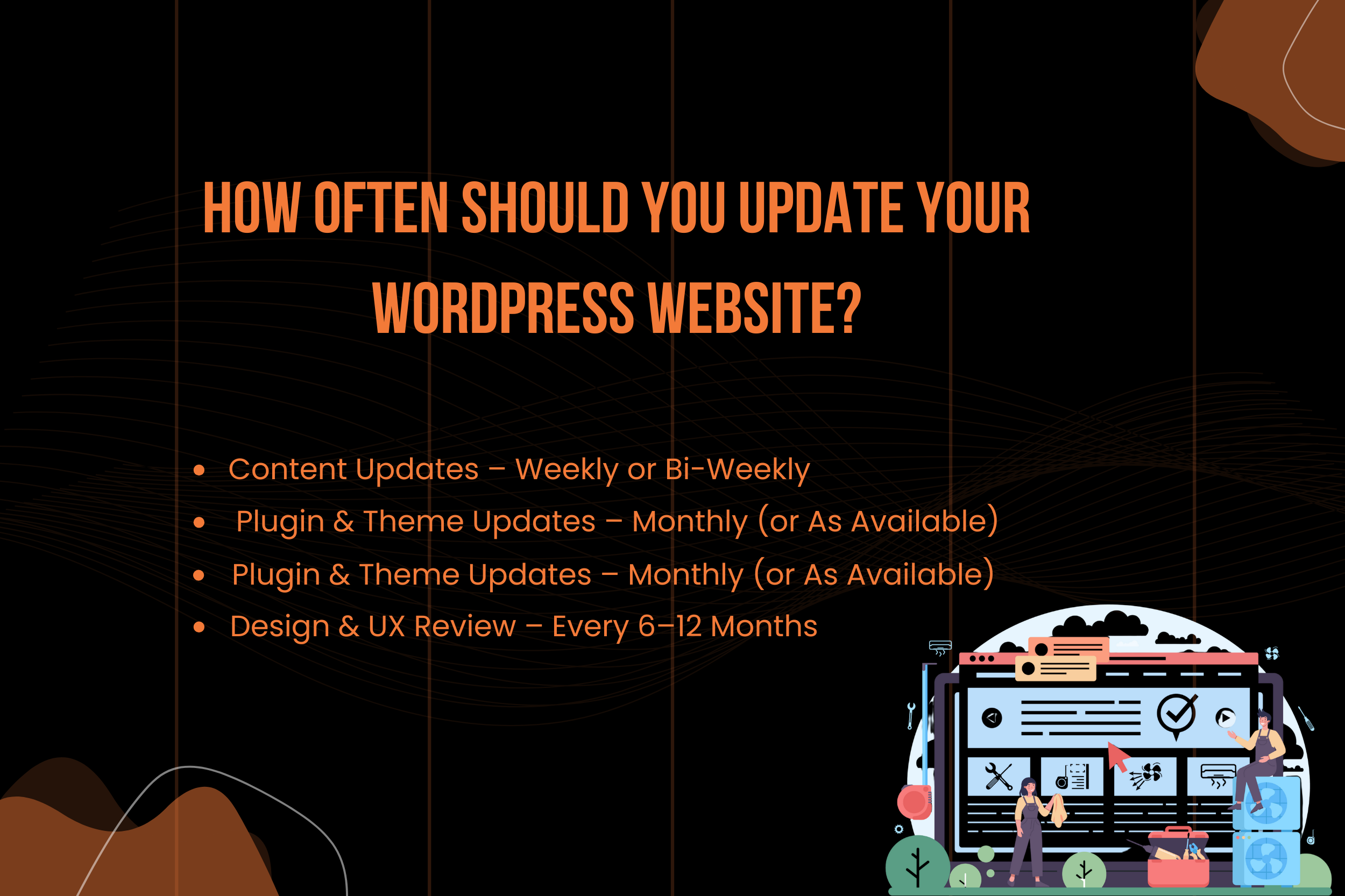
For most websites, publishing or updating content once or twice a week is ideal. If that feels overwhelming, even consistent bi-weekly updates can make a noticeable difference. Old blog posts can also be refreshed by adding new data, improving readability, or optimizing for new keywords.
2. Plugin and Theme Updates: Essential for Security and Performance
Plugins and themes power your WordPress website, but outdated ones can become a major security risk. Developers regularly release updates to fix bugs, patch vulnerabilities, and improve compatibility with the latest WordPress version.
You should check for plugin and theme updates at least once a month or whenever a new update is released. Ignoring updates can lead to:
- Security breaches and malware attacks
- Broken website features
- Compatibility issues with newer WordPress versions
- Slower site performance
Before updating, it’s always a good practice to take a backup of your website. This ensures you can restore your site quickly if something doesn’t work as expected.
3. WordPress Core Updates: Do Not Ignore Them
WordPress core updates are released to improve stability, security, and functionality. These updates are critical and should be installed as soon as they are available, especially security-related releases.
Minor updates are usually safe and automatic, but major updates should be reviewed carefully. Delaying core updates for too long can expose your website to vulnerabilities and performance issues.
4. Design and User Experience Review: Stay Modern and User-Friendly
Website design trends and user expectations change over time. A design that looked modern a few years ago may now feel outdated or confusing to users.
Reviewing your website’s design and user experience every 6 to 12 months helps you:
- Improve navigation and usability
- Optimize for mobile and tablet users
- Increase conversions and lead generation
- Maintain a professional brand image
This doesn’t always mean a full redesign. Sometimes small improvements like better layouts, updated fonts, improved CTAs, or faster page loading can significantly enhance the user experience.
5. Performance Optimization: Speed Matters
Website speed plays a crucial role in both SEO and user satisfaction. Regular performance checks help identify issues such as slow-loading pages, unoptimized images, or unnecessary scripts.
You should audit your website’s performance every few months by checking:
- Page loading speed
- Core Web Vitals
- Image and file optimization
- Database cleanup
A faster website leads to lower bounce rates and higher conversions.
6. SEO and Technical Updates: Stay Search-Engine Friendly
Search engine algorithms are constantly evolving. Regular SEO reviews ensure your website remains compliant with best practices.
SEO updates may include:
- Updating meta titles and descriptions
- Improving internal linking
- Fixing broken links
- Updating schema and structured data
- Refreshing keyword strategies
Conducting an SEO audit every few months can help maintain and improve your search visibility.
Final Thoughts
Updating your WordPress website is not just about adding new content—it’s about maintaining security, performance, design, and relevance. A well-maintained website builds trust, ranks better on search engines, and delivers a better experience to users.
By following a structured update routine for content, plugins, themes, design, and performance, you ensure your website continues to grow and support your business goals effectively.
A regularly updated WordPress website is not an expense—it’s an investment in long-term success.
0 Comments