

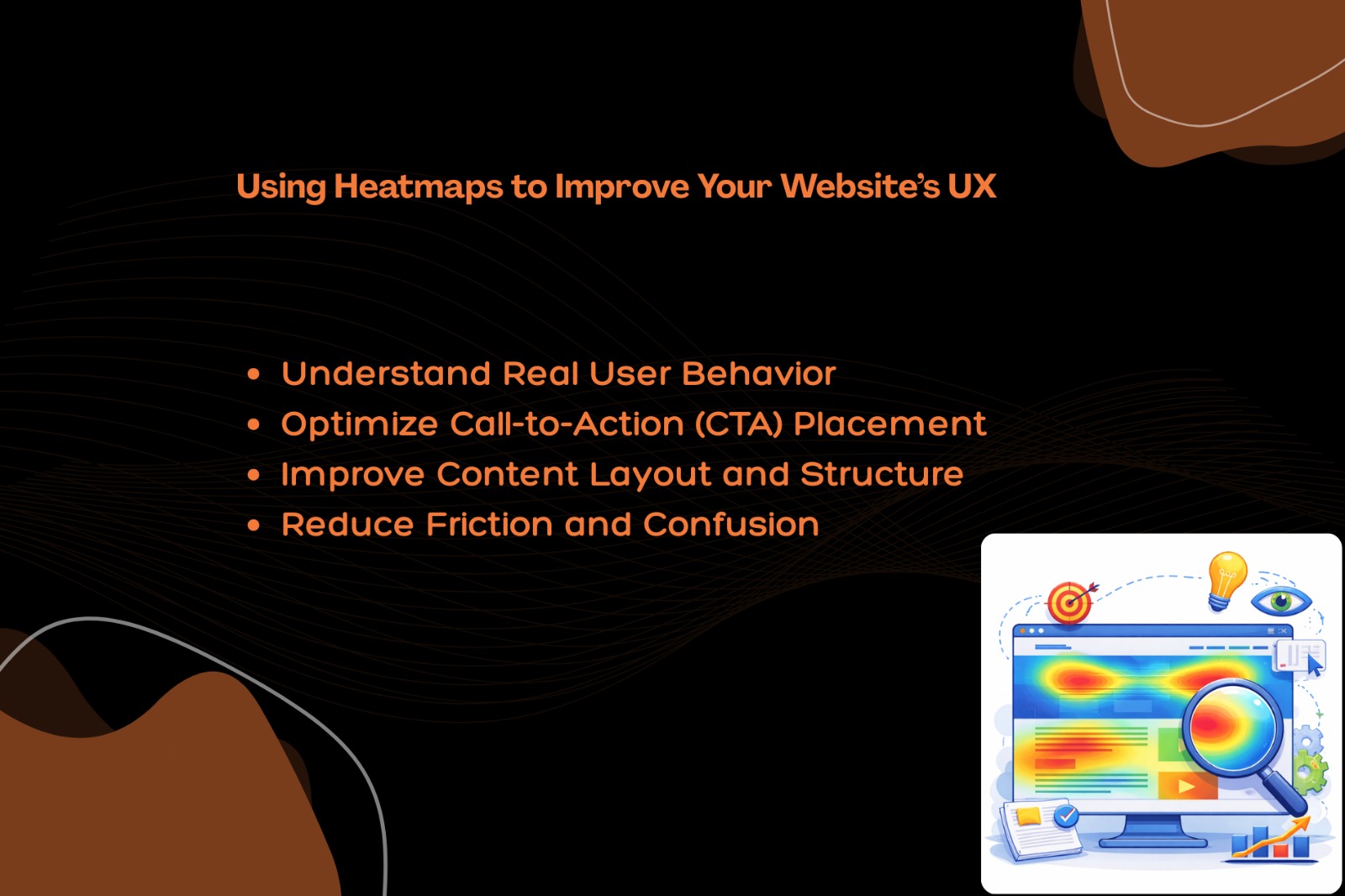
In today’s highly competitive digital landscape, understanding how users interact with your website is essential for success. A well-designed website is not just about aesthetics—it’s about delivering a seamless and intuitive user experience (UX). One of the most powerful tools to achieve this is heatmaps.
Heatmaps provide a visual representation of user behavior, helping you identify what works, what doesn’t, and where improvements are needed. In this blog, we’ll explore how heatmaps can transform your website’s UX and boost engagement, conversions, and overall performance.
“Design is the fundamental soul of a human-made creation that ends up expressing itself in successive outer layers of the product or service.”
-Steve Jobs-

What Are Heatmaps?
Heatmaps are data visualization tools that use color gradients to represent user interactions on a webpage. Warmer colors (like red, orange, and yellow) indicate high activity, while cooler colors (like blue and green) show lower engagement.
There are several types of heatmaps, including:
- Click Heatmaps – Show where users click the most
- Scroll Heatmaps – Indicate how far users scroll down a page
- Move Heatmaps – Track mouse movements and user attention
- Attention Heatmaps – Highlight areas where users spend the most time
These insights allow website owners to make data-driven decisions rather than relying on guesswork.
Why Heatmaps Matter for UX Optimization
User experience plays a critical role in determining whether visitors stay on your website or leave. Heatmaps help bridge the gap between user expectations and your website design.
1. Understand Real User Behavior
Heatmaps reveal how users actually interact with your website—not how you think they do. You can see which sections grab attention and which are ignored.
This helps you:
- Identify user intent
- Understand browsing patterns
- Detect usability issues
2. Optimize Call-to-Action (CTA) Placement
Your CTA buttons are crucial for conversions, whether it’s booking a hotel, signing up, or making a purchase.
Heatmaps help you:
- Find the best position for CTAs
- Improve button visibility
- Increase click-through rates
If users aren’t clicking your CTA, a heatmap will show whether it’s due to poor placement, design, or visibility.
3. Improve Content Layout and Structure
Not all content gets equal attention. Heatmaps show which parts of your page users focus on the most.
Using this data, you can:
- Place important content above the fold
- Break long paragraphs into readable sections
- Use headings and visuals strategically
This ensures your message is delivered effectively.
4. Reduce Friction and Confusion
If users struggle to navigate your site, they’re more likely to leave. Heatmaps help identify friction points such as:
- Dead clicks (clicks on non-clickable elements)
- Confusing navigation
- Poorly designed forms
Fixing these issues leads to a smoother and more enjoyable user experience.
How to Use Heatmaps Effectively
To get the most out of heatmaps, follow these best practices:
Analyze High-Traffic Pages
Focus on pages with the most visitors, such as your homepage, landing pages, and product pages.
Combine with Analytics Tools
Use heatmaps alongside tools like analytics dashboards to get a complete picture of user behavior.
Test and Optimize Continuously
UX improvement is an ongoing process. Use heatmap insights to run A/B tests and refine your design.
Focus on Mobile UX
With the majority of users browsing on mobile devices, ensure your heatmap analysis includes mobile behavior.
Benefits of Using Heatmaps
Implementing heatmaps can deliver significant advantages:
- Better user engagement
- Higher conversion rates
- Improved website usability
- Data-driven decision making
- Reduced bounce rates
Common Mistakes to Avoid
While heatmaps are powerful, they should be used correctly:
- Don’t rely solely on heatmaps—combine with other data
- Avoid analyzing too little data (ensure enough traffic)
- Don’t ignore mobile users
- Avoid making assumptions without testing
Conclusion
Heatmaps are an essential tool for anyone looking to enhance their website’s user experience. By providing clear insights into user behavior, they help you make smarter design decisions, optimize content, and improve overall performance.
If you want to stay ahead in the digital space, start leveraging heatmaps today. Small UX improvements based on real data can lead to significant growth in engagement and conversions.

0 Comments