

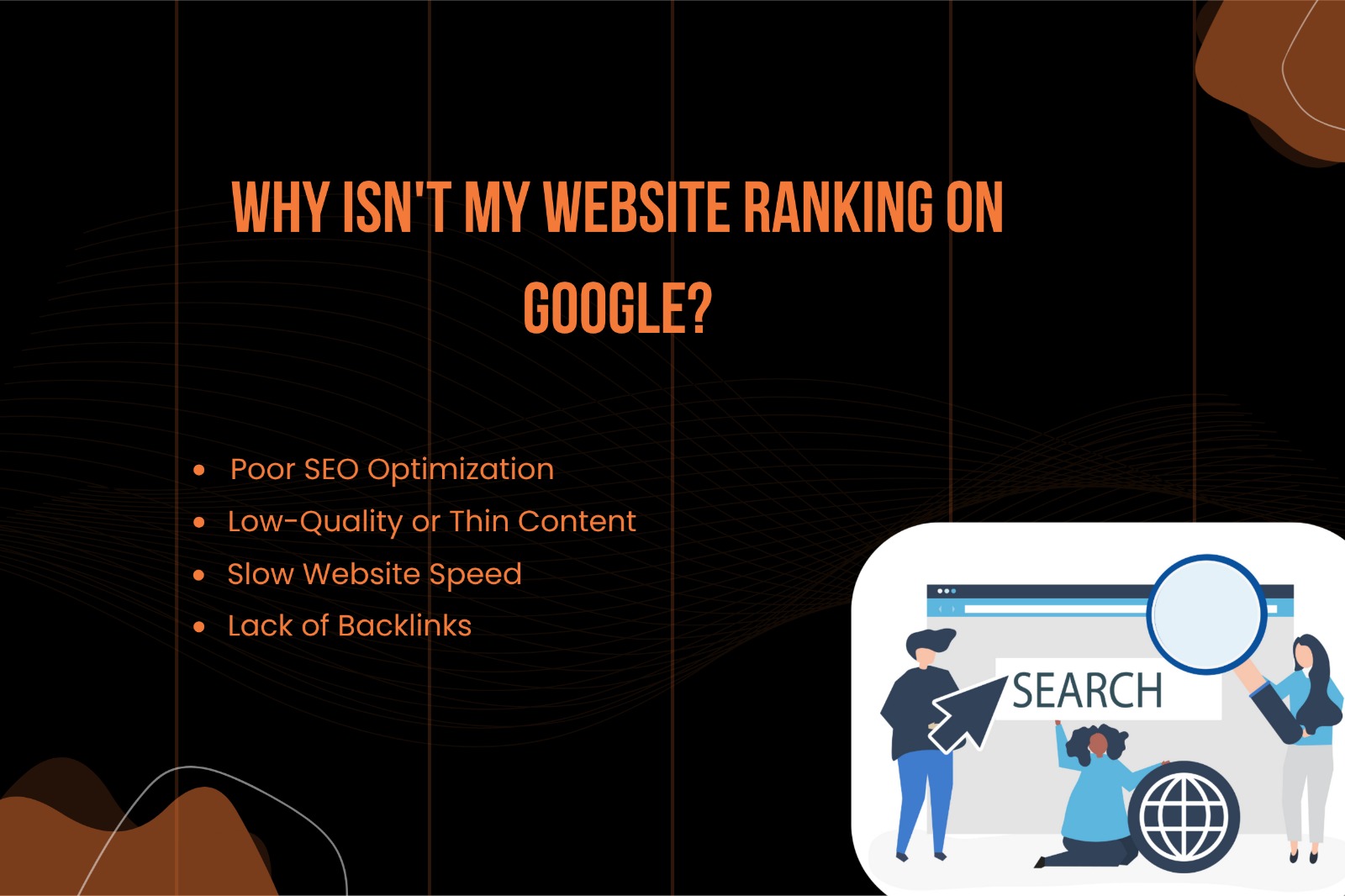
If you’ve created a website and expected it to rank on Google quickly, you’re not alone. Many website owners face the same frustration — their site exists, but it doesn’t show up in search results.
The truth is, ranking on Google is not automatic. It requires proper SEO strategies, quality content, and technical optimization. In this guide, we’ll break down the most common reasons why your website isn’t ranking and how you can fix them.
“Design is the fundamental soul of a human-made creation that ends up expressing itself in successive outer layers of the product or service.”
-Steve Jobs-

1. Poor SEO Optimization
Search Engine Optimization (SEO) is the foundation of ranking on Google. If your website is not optimized properly, search engines won’t understand your content.
Common SEO Mistakes:
- Missing or poorly written meta titles & descriptions
- No keyword targeting
- Incorrect heading structure (H1, H2, H3)
- No internal linking
How to Fix It:
- Use your main keyword in the title, headings, and URL
- Write compelling meta descriptions
- Structure your content properly with headings
- Add internal links between related pages
2. Low-Quality or Thin Content
Google prioritizes websites that provide value. If your content is too short or not useful, it won’t rank.
Signs of Thin Content:
- Articles under 300–500 words
- No real information or value
- Duplicate or copied content
How to Fix It:
- Write in-depth content (1000+ words)
- Answer user questions clearly
- Add examples, images, and real insights
- Focus on user intent
👉 Remember: Content should help users, not just fill space.
3. Slow Website Speed
Website speed is a major ranking factor. If your website loads slowly, users leave — and Google notices.
Common Causes:
- Large image sizes
- Poor hosting
- Too many plugins
- Unoptimized code
How to Fix It:
- Compress images before uploading
- Use a fast hosting provider
- Install caching plugins (like WP Rocket or LiteSpeed Cache)
- Minimize CSS, JavaScript
⚡ Faster websites rank better and improve user experience.
4. Lack of Backlinks
Backlinks are like “votes of trust” from other websites. Without backlinks, Google doesn’t see your site as authoritative.
Why Backlinks Matter:
- Improve domain authority
- Increase trust signals
- Help search engines discover your site
How to Build Backlinks:
- Guest posting on blogs
- Business listings (Google My Business, directories)
- Social media sharing
- Creating high-quality, shareable content
5. Website Not Indexed by Google
If your website isn’t indexed, it simply won’t appear in search results.
How to Check:
Search on Google:
site:restartdigitalservices.com
Fix:
- Submit your website to Google Search Console
- Submit your sitemap
- Request indexing manually
6. Wrong Keyword Strategy
Targeting the wrong keywords can stop your website from ranking.
Common Mistakes:
- Choosing highly competitive keywords
- Not targeting local keywords
- Ignoring long-tail keywords
Solution:
- Use tools like Google Keyword Planner or Ubersuggest
- Focus on long-tail keywords (e.g., “best hotel in Ahmedabad under budget”)
- Target location-based keywords if you run a local business
7. Poor Mobile Optimization
Google uses mobile-first indexing, meaning your mobile site matters more than desktop.
Fix:
- Use responsive design
- Test your site on mobile devices
- Improve mobile loading speed
8. Technical SEO Issues
Even if your content is great, technical issues can block rankings.
Common Issues:
- Broken links
- Duplicate pages
- Missing sitemap
- Wrong robots.txt file
Fix:
- Regularly audit your website
- Fix crawl errors in Google Search Console
- Use SEO plugins like Yoast SEO or Rank Math
9. New Website (Lack of Authority)
If your website is new, it takes time to build trust.
What to Do:
- Be consistent with content
- Build backlinks gradually
- Stay patient (SEO takes 3–6 months minimum)
10. No Consistent Content Strategy
Posting randomly won’t help. Google prefers websites that are active and consistent.
Best Strategy:
- Publish blogs regularly (2–3 per week)
- Focus on a niche
- Update old content
Final Thoughts
If your website isn’t ranking on Google, it’s not because of one issue — it’s usually a combination of multiple factors like SEO, content quality, backlinks, and speed.
Quick Checklist:
✔ Optimize SEO (titles, keywords, headings)
✔ Write high-quality content
✔ Improve website speed
✔ Build backlinks
✔ Use Google Search Console
✔ Stay consistent
Bonus Tip 🚀
SEO is a long-term game. If you apply the right strategies consistently, your website will start ranking and generating traffic.

0 Comments